seedypod user guide
seedypod core is the part you interact with. It serves the web UI at http://seedypod.local:3000/, runs your light curves and watering schedules, tracks the grow cycle and its reminders, records sensor history and camera stills, and raises alerts. It never touches a pin itself: every command goes to hald, the hardware daemon, which applies the safety rules before anything moves.
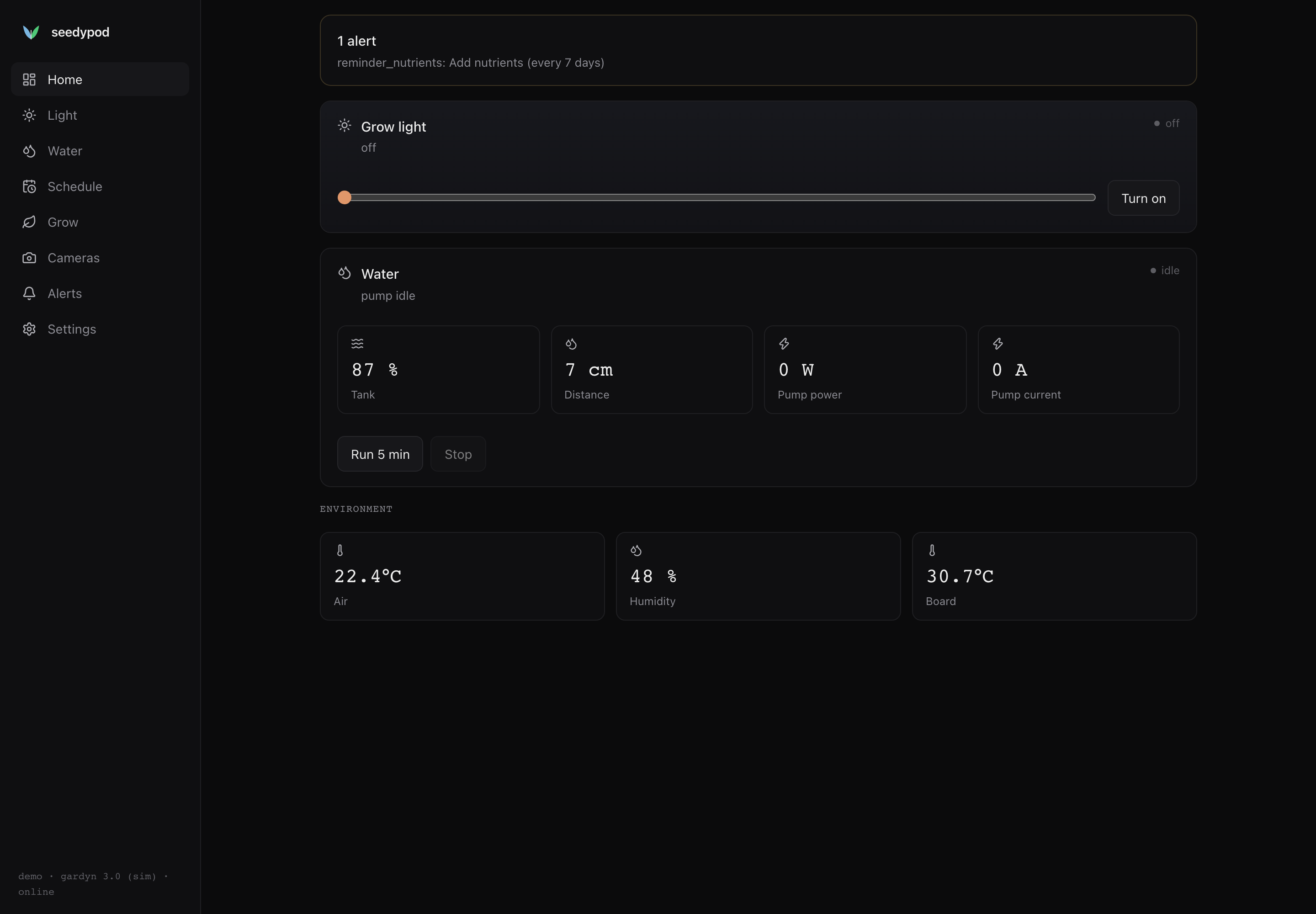
What you can do
- Grow light: turn it on or off, set brightness from 0 to 100 %, and draw daily light curves with sunrise and sunset ramps.
- Water: run the pump for a bounded time, watch the tank level and pump power, and schedule watering cycles.
- Grow cycle: start a cycle, move it through germination, seedling, vegetative and harvest, and get thinning, root-check, harvest and nutrient reminders.
- Pods: track what is planted in each of the 30 slots and flag pods that need attention.
- Cameras: take stills from the upper and lower cameras and scrub through a timelapse.
- Alerts: see low water, pump faults, board over-temperature and reminders, and acknowledge them.
- Integrations: Home Assistant over MQTT, AI agents over MCP, and anything else over REST.
- Backups: download one any time, or let it go to your bucket every night. A dead SD card is a reflash and Restore from a backup.
Safety you can count on
The pump is the one part that can damage the tower: running dry burns it out, and the board browns out above about 30 % duty. hald puts every pump command through a single guard, whether it comes from the web UI, a schedule, Home Assistant, an agent or the physical button:
- every run has a deadline, 900 seconds at most by default;
- duty is capped at 30 %;
- the pump will not start when the tank reads low, or when the water sensor is unavailable;
- the pump will not start, and stops, when the board is too hot;
- a stop caused by a dry tank or heat latches the pump off until you acknowledge it.
ADR 0009 has the full rules.
Guides
Last updated on